

In the non-profit sector, every dollar saved on operations is a dollar directed toward your core mission. As we move into 2026, the digital landscape offers an unprecedented array of powerful, free tools designed to streamline workflows, enhance collaboration, and amplify impact. This guide cuts through the noise to detail the specific, no-cost platforms that will form the essential digital toolkit for any efficient NGO.
1. Comprehensive Workspace & Project Management
Forget scattered documents and endless email threads. These free platforms create a centralised, collaborative hub for your entire team’s work.
Trello (Free Plan)
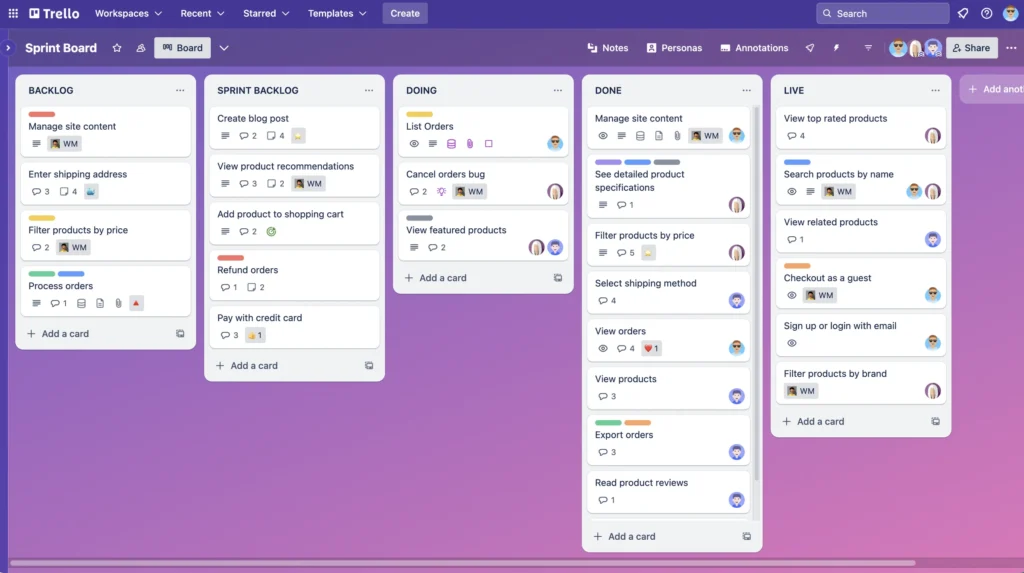
- What it does: Trello uses an intuitive system of boards, lists, and cards to visualise projects. Think of a digital whiteboard with sticky notes that your whole team can move, edit, and comment on in real time.
- Explicit NGO Application: You can create a board for a fundraising campaign. Lists could be: “To Do,” “In Progress,” “Awaiting Approval,” and “Completed.” Cards within these lists would be specific tasks: “Draft email blast,” “Design social media graphics,” “Finalise donor report.” Team members are assigned to cards, deadlines are set, files (like copy drafts or images) are attached directly, and progress is visible at a glance. It replaces chaotic email updates and status meetings.
- Getting Started: Create a board for your next upcoming event. Invite team members via email. Create cards for the first five critical tasks, assign owners, and set due dates.
Asana (Free Plan for up to 15 users)
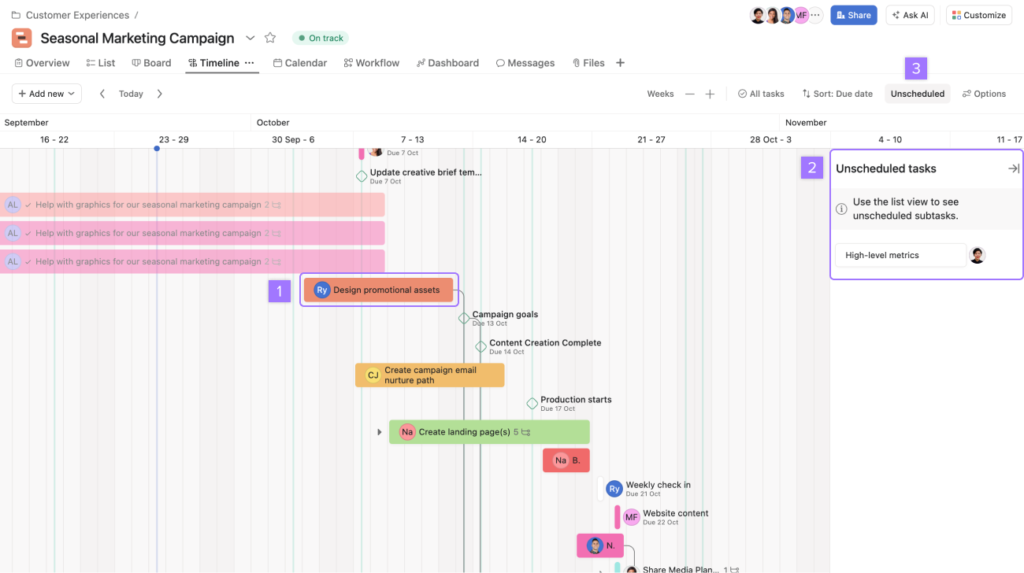
- What it does: Asana provides a more structured task and project management environment. It allows you to create projects, break them into tasks and subtasks, set dependencies (Task B cannot start until Task A is finished), and view work in list, board, or calendar formats.
- Explicit NGO Application: This is ideal for managing grant applications. Create a project titled “Q3 Grant Submission.” Tasks would include: “Research grant guidelines,” “Draft narrative (with subtasks for each section),” “Compile financial documents,” “Submit final package.” The dependency feature ensures the budget isn’t compiled before the program narrative is drafted. The calendar view shows all team deadlines across every project.
- Getting Started: Use Asana to map out the quarterly content calendar for your newsletter and social media, with tasks for writing, design, approval, and scheduling.
2. Professional Design & Visual Communication
Creating compelling visuals for reports, social media, and presentations no longer requires a designer on staff or a budget for expensive software.
- Canva (Extensive Free Plan)
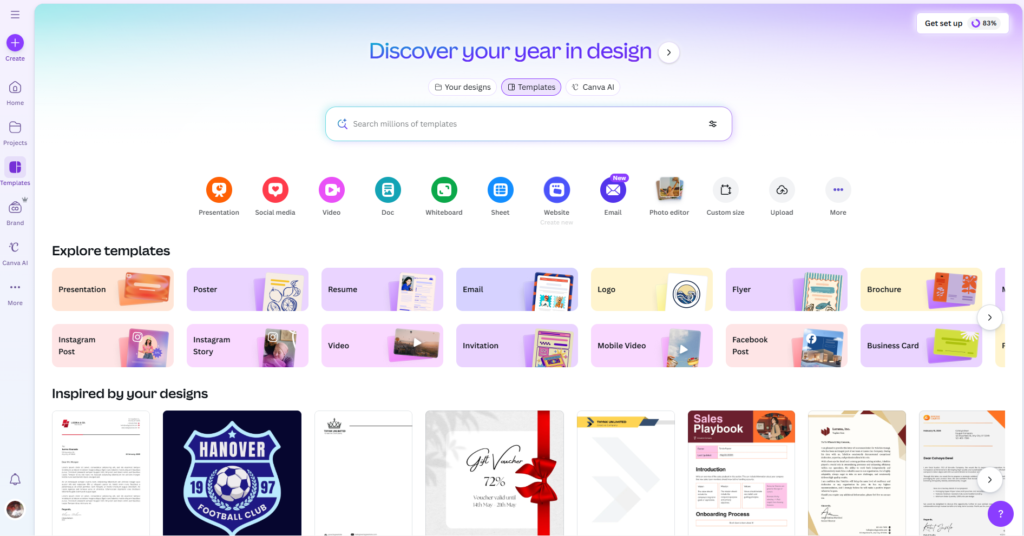
- What it does: Canva is a web-based design tool with a drag-and-drop interface and thousands of professionally designed templates for social media graphics, presentations, reports, flyers, and videos. Its free plan includes a vast library of photos, icons, and fonts.
- Explicit NGO Application: An NGO can use Canva to:
- Create a unified brand identity: Design and save a “Brand Kit” in the free plan with your approved colors, fonts, and logo.
- Produce monthly impact reports: Use a report template, drag in charts from your data, add impactful photos from the field, and share a polished PDF with stakeholders in under an hour.
- Make engaging social media content: Quickly resize a single design into formats perfect for Instagram, Facebook, and Twitter.
- Getting Started: Design your next “Thank You” email to donors using a Canva template. Embed the resulting image or PDF directly into your email service.
b) DaVinci Resolve (Fully Free Desktop Software)
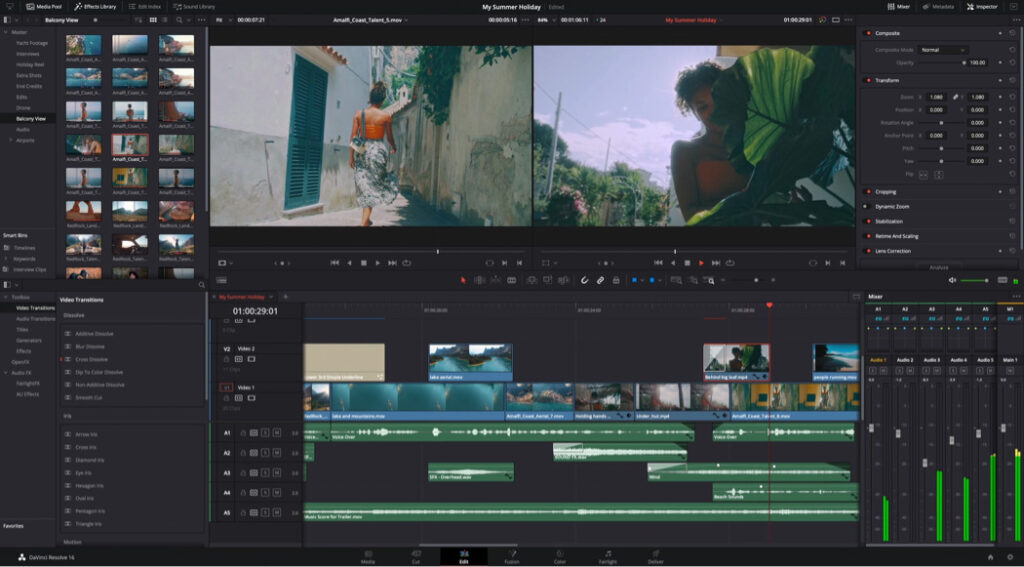
- What it does: This is a professional-grade video editing, colour correction, visual effects, and audio post-production application. Its free version is staggeringly powerful, rivalling paid software costing thousands of dollars.
- Explicit NGO Application: Transform raw footage from the field into compelling storytelling videos. You can cut interviews with beneficiaries, add subtitles for accessibility, overlay your logo, correct audio levels, and colour-grade clips to create a professional, emotionally resonant video for fundraising or awareness campaigns—all at zero cost.
- Getting Started: Edit a 60-second “highlight reel” from a recent community event. Use the simple “Cut” page to quickly assemble the best clips and add a title at the beginning and end.
3. Automation & Workflow Connectors
These tools act as your digital assistant, automatically moving information between apps to eliminate manual, repetitive data entry.
- Zapier (Free Plan for 100 tasks/month)
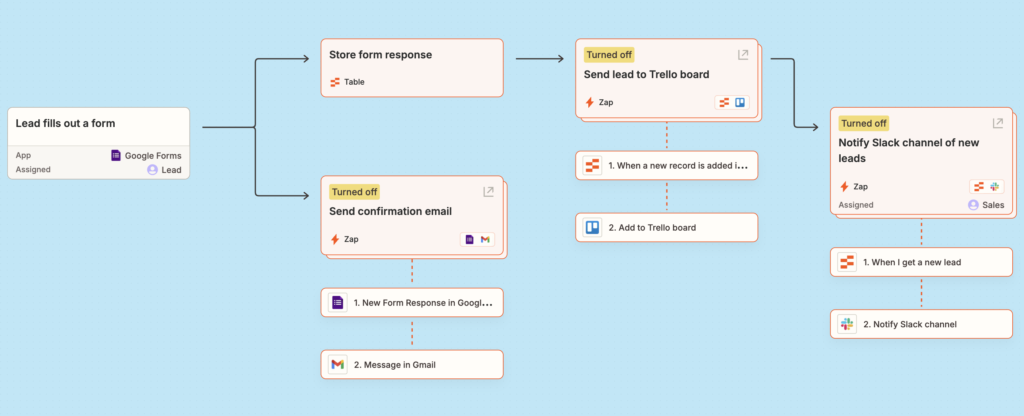
- What it does: Zapier creates automated workflows (called “Zaps”) between over 5,000 web apps. A Zap has a trigger and an action: “When this happens in App A, automatically do that in App B.”
- Explicit NGO Application:
- Automate new donor onboarding: Trigger: A new donation comes in via Google Forms. Actions: 1) Add the donor’s info to a Google Sheet for tracking. 2) Create a contact for them in your free Mailchimp audience. 3) Post a celebratory message in your team’s Slack channel.
- Streamline volunteer coordination: Trigger: Someone signs up via a Trello card. Action: Automatically send them a welcome email with orientation materials via Gmail.
- Getting Started: Create a simple Zap: “When a new row is added to a specific Google Sheet (e.g., ‘Media Inquiries’), send me an immediate email alert.”
- Google Workspace (Free for Qualified Nonprofits via Google for Nonprofits)
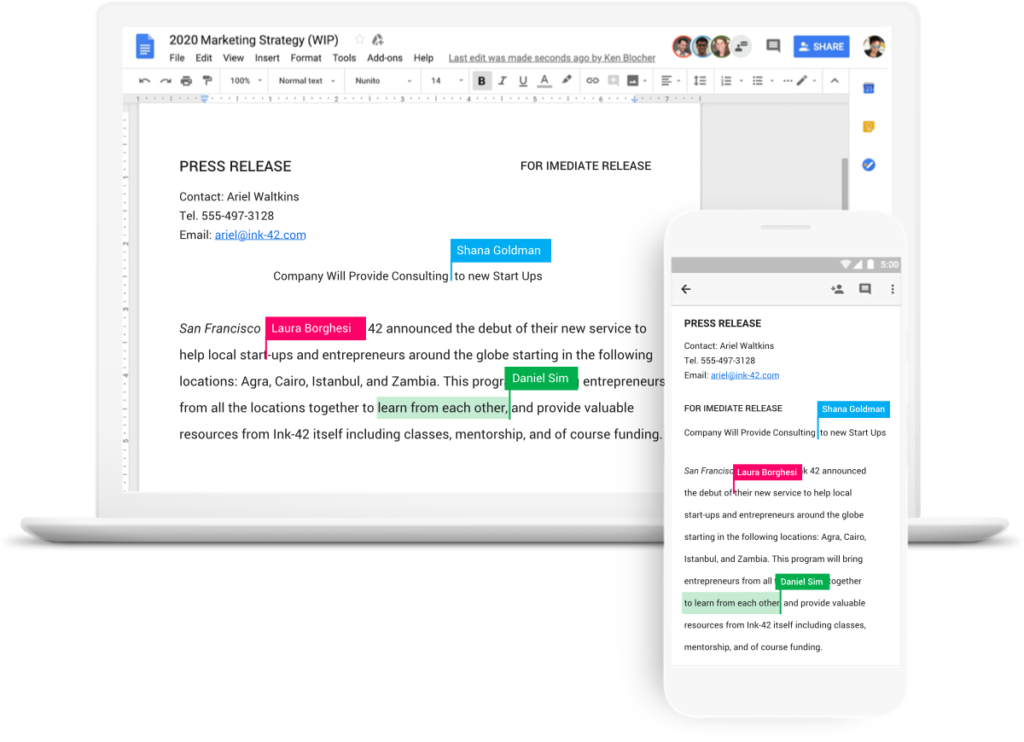
- What it does: This is less a single tool and more a deeply integrated ecosystem. It includes Gmail, Drive (cloud storage), Docs, Sheets, Calendar, and Meet. Its power lies in real-time collaboration and seamless connections.
- Explicit NGO Application:
- Live collaborative grant writing: Multiple staff can work simultaneously on the same Google Doc, with changes visible in real-time and a full version history.
- Centralised file management: Store all organisational documents—from policy manuals to project photos—in a structured Google Drive, accessible securely from anywhere. Set shared folders for teams.
- Integrated scheduling: Use Google Calendar to schedule meetings with external partners, booking rooms in Google Meet automatically.
- Getting Started: If eligible, apply for Google for Nonprofits to access these tools free with enhanced storage. Migrate your next project proposal into a Google Doc and use the “Suggesting” mode for transparent team editing.
4. Communication & Community Building
Effective communication, both internally and with your community, is the lifeblood of an NGO.
- Slack (Free Plan with 90-day message history)
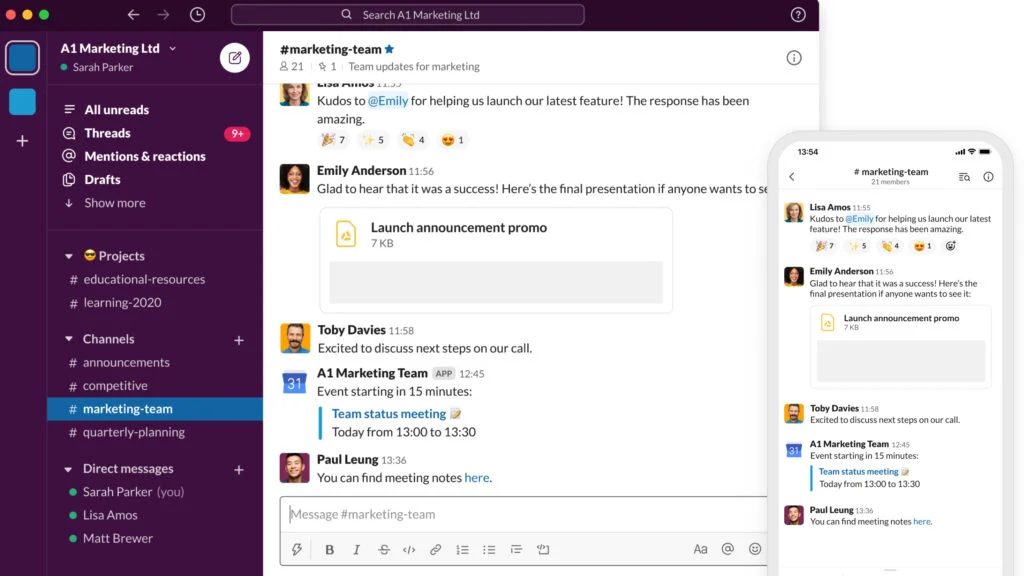
- What it does: Slack organises team communication into dedicated channels (like #fundraising, #program-updates, #water-cooler) instead of overwhelming group emails. It integrates with hundreds of other tools (like Trello, Google Drive, and Zapier), bringing notifications into relevant channels.
- Explicit NGO Application: Create a channel called #event-gala-2026 where all related discussion, file sharing, and planning happens. Connect your Trello board so updates post automatically. Use threaded replies to keep conversations organised. This reduces inbox clutter by over 50% for project-based communication.
- Getting Started: Create your organisation’s Slack workspace. Set up three core channels: #announcements (for leadership), #general (for broad team chat), and a channel for your most active current project.
b) Discord (Free Plan)
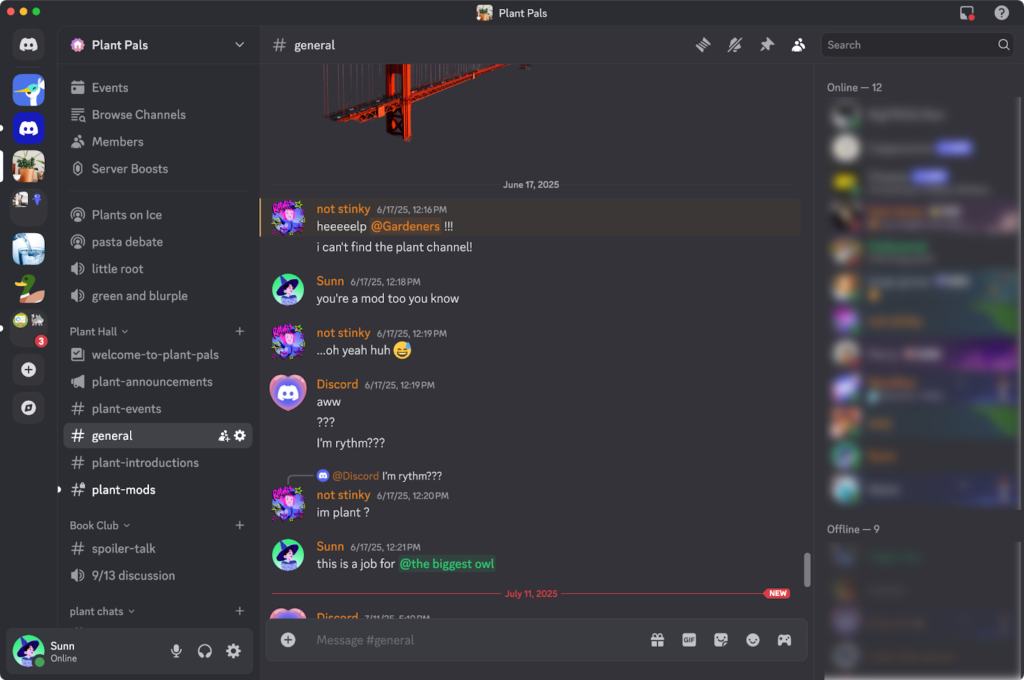
- What it does: Originally for gamers, Discord is a powerful, free platform for building engaged, moderated communities. It uses servers with text and voice channels.
- Explicit NGO Application: This is perfect for building a dedicated volunteer or supporter community. Create a private “Volunteer Corps” server. Have channels for: #general-chat, #training-resources, #field-reporting, and #social-hours. Host live, interactive audio/video check-ins or training sessions in voice channels. It fosters a stronger sense of connection and belonging than an email list.
- Getting Started: Establish a Discord server for your most committed volunteer group. Use it to host a monthly, informal audio catch-up to share updates and answer questions in real time.
Implementation Strategy for 2026
- Audit First: For one week, have your team note their three most tedious digital tasks.
- Pilot One Tool: Choose one tool from above that addresses the most common pain point. Run a 3-month pilot with a small team.
- Document & Train: Create a simple, internal “guide sheet” for the chosen tool with basic instructions and your NGO’s specific use cases.
- Review & Scale: After the pilot, assess the time saved and the frustration reduced. Then, formally adopt the tool organisation-wide.
The goal for 2026 is not to use every tool, but to strategically deploy a few that work together to create a seamless, efficient, and mission-focused digital environment. These free resources level the playing field, allowing NGOs of any size to operate with the sophistication and cohesion needed to maximise their world-changing work.
Ready to implement this in your organisation? Please feel free to reach out to us on how we can help build the capacity of your organisation. We provide tailored guidance on how to maximise the use of all these tools, and can help you access most of them through free nonprofit programs.
Contact us for a free consultation:
Email: info@Osogbue.tech
Phone: +2347059284359 (Call & WhatsApp)
Let us help you transform your operational efficiency and redirect more resources to your core mission.
Leave a Reply